How to replace the beryllium foil or the pinhole


Beryllium foil


To replace/remove the beryllium filter it is necessary, first, to disconnect the diagnostic from MST.

List of actions:

1
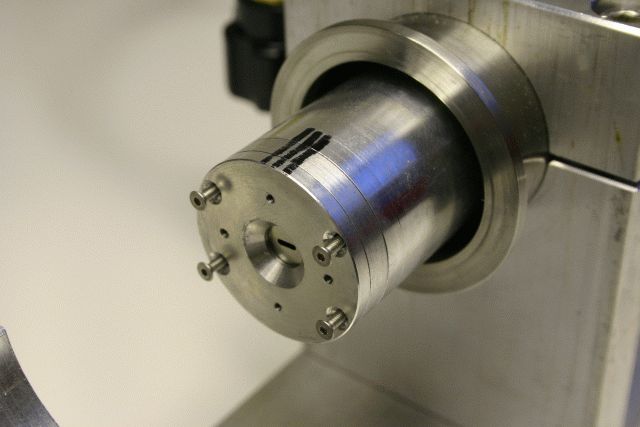
put the diagnostic horizontally on a bench. For the moveable version, push it on the back (flange) to extract the aluminium probe a few centimeters
2
remove the four screws in front of the probe to disconnect the face plate
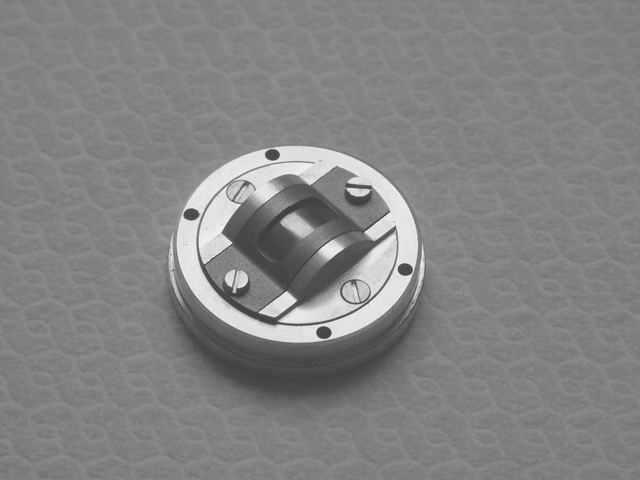
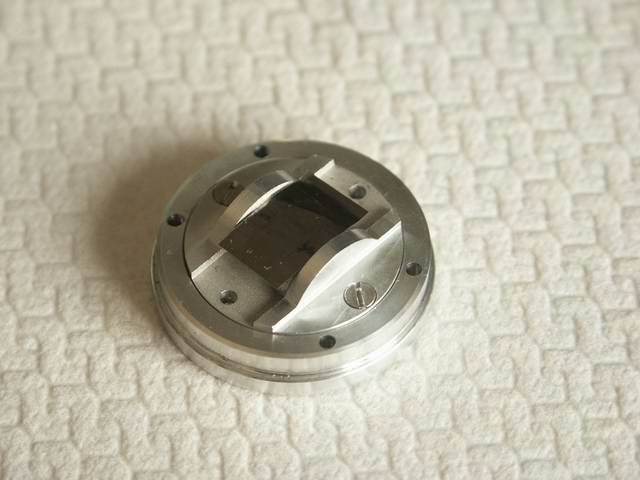
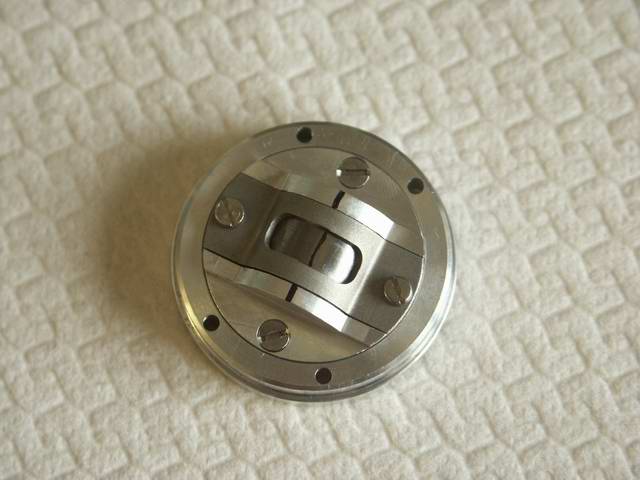
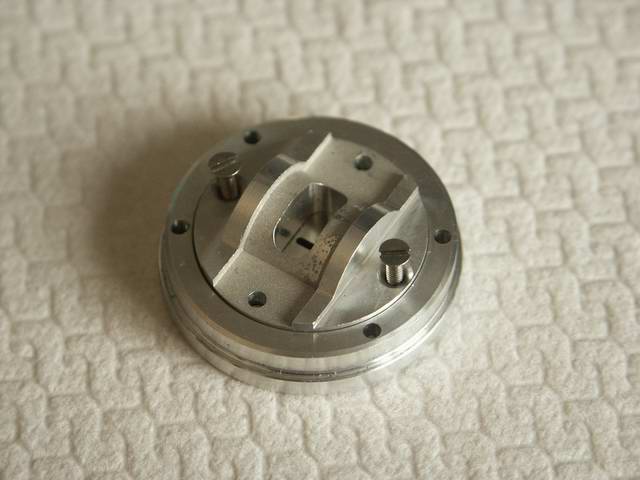
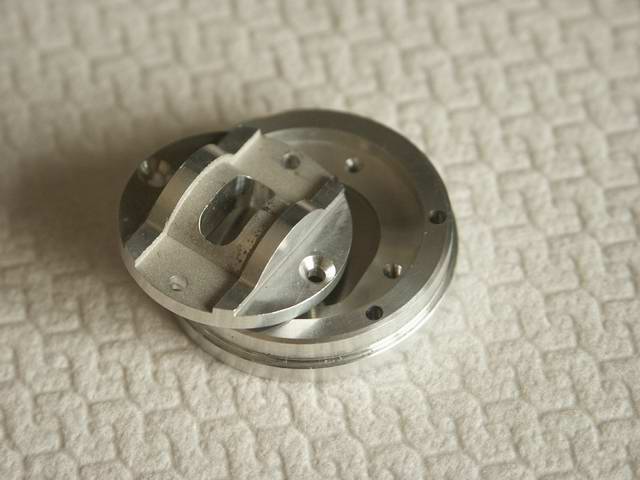
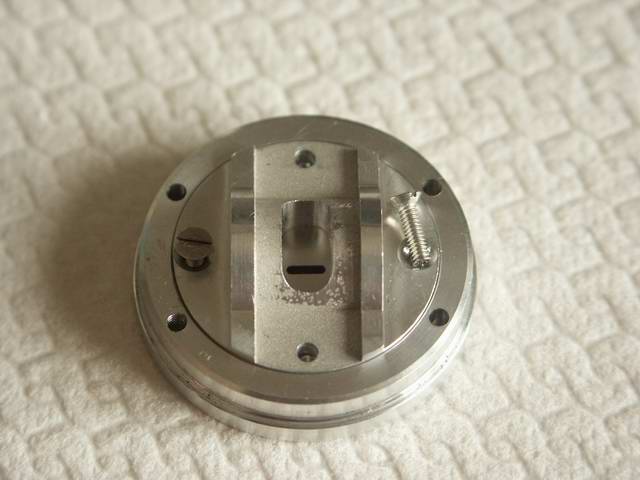
3 the beryllium filter, in its curved frame, is on the back of the plate
4 remove the two screw which fix the curved frame
5 remove the curved frame
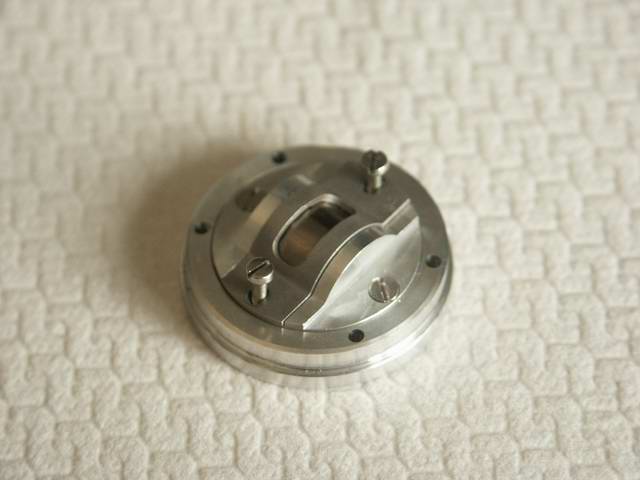
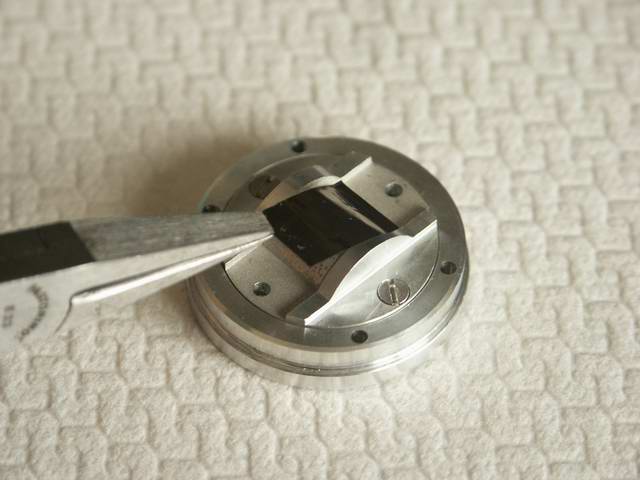
6 now the beryllium foil is free and can be replaced or, for bolometric measurements, removed
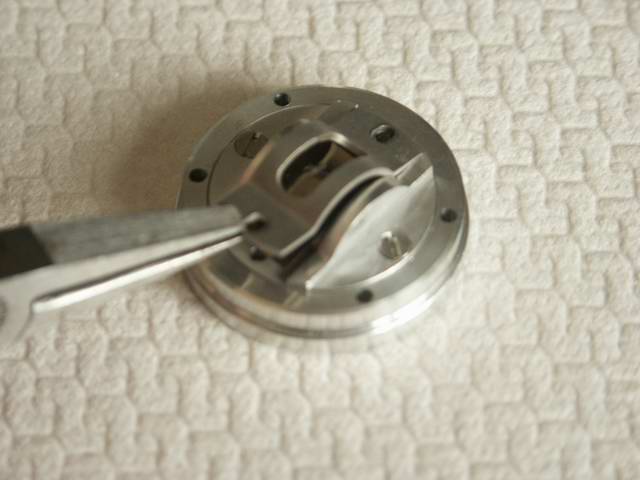
7 remove the Be foil (carefully - very fragile) by taking in one of the corner. Put it in a small envelope (beryllium is toxic)
8 if the Be foil has been removed then it is only necessary to put the curved frame in its position and fix it with the screws on the plate. Go directly to step 12
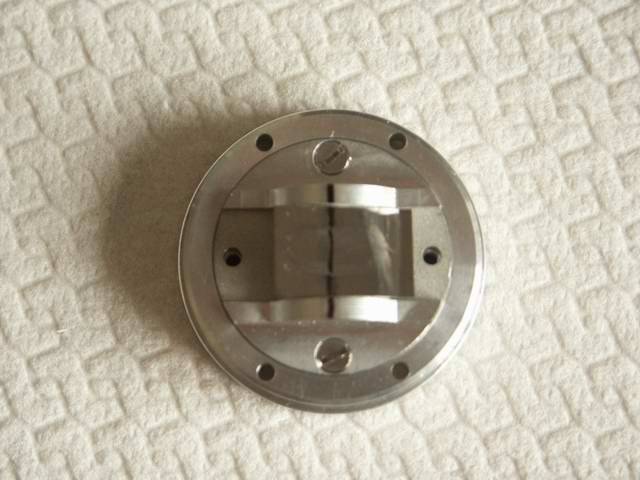
9 if the Be filter has been replaced with a new one, or re-install after using the probe as a bolometer, then the foil should be put more or less in the centre of the plate. In this picture the plate and the foil have been marked with a marker, better NOT to do it
10 carefully put the curved frame on the foil; check that the foil does not move when the curved frame is mounted (the beryllium foil can be bent without problems for thickness up to 50 micron)
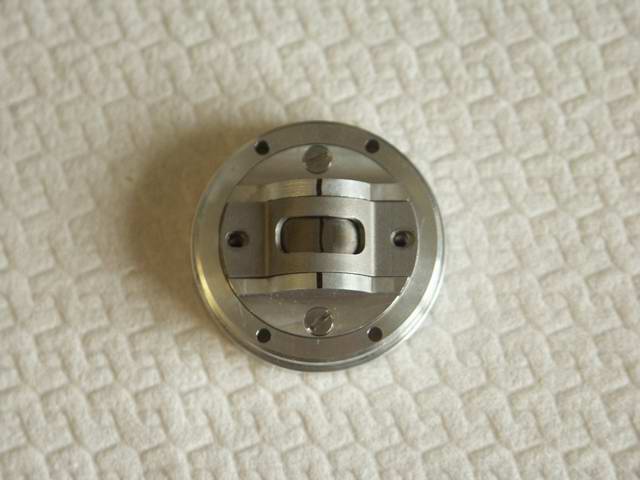
11 put the two screws and fix the curved frame
12 place the face plate back on the probe and fix it with the 4 screws
13 re-install the diagnostic on MST

Pinhole


To replace/remove the pinhole foil it is necessary, first, to disconnect the diagnostic from MST.

List of actions:

1

remove the curved frame and the Beryllium foil (follow step 1 to 7 of the previous section)

2 remove the two screw which fix the disk that push the pinhole foil
3 remove the disk from the plate
4 this is the pinhole foil in its frame
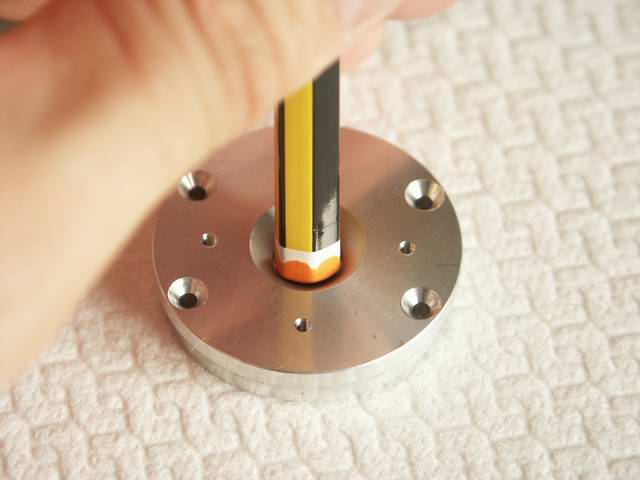
5 to remove the pinhole just push it (on the back) with a pencil
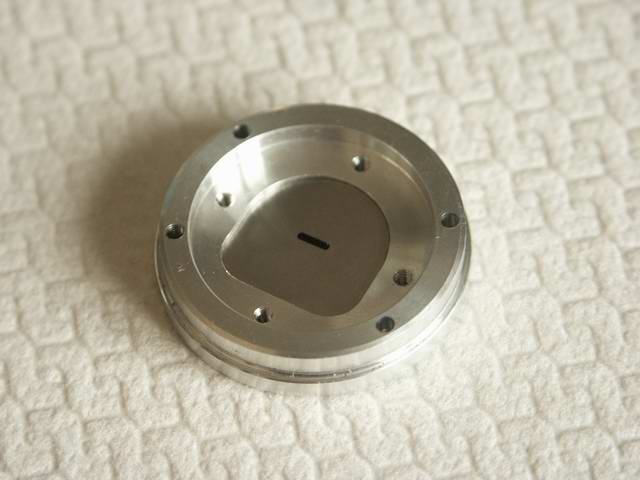
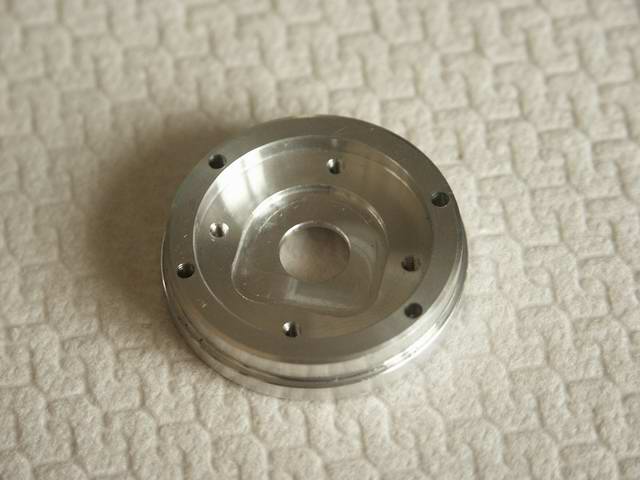
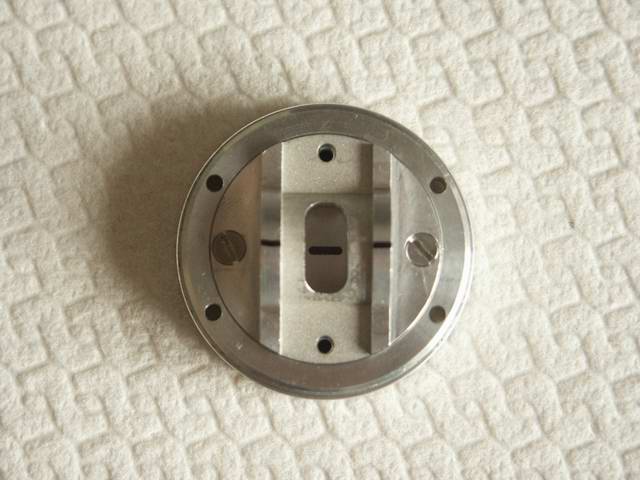
6 this is the face plate without the pinhole
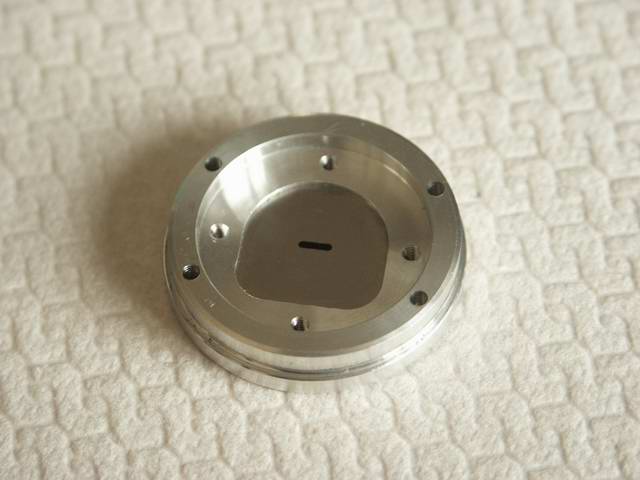
7 place the new pinhole
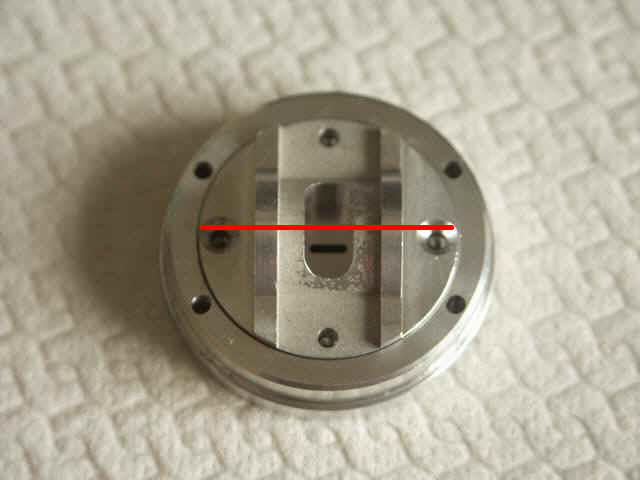
8 remount the disk. Since the disk can rotate in the plate this picture shows how the disk should be mounted on the plate (the red line indicates the direction of the pinhole with respect to the holes of the screws)
9 fix the disk with the two screws
10 this is the disk correctly mounted on the face plate
11 mount the Be foil and the curved frame (follow step 8 to 11 of the previous section)
12 place the face plate back on the probe and fix it with the 4 screws
13 re-install the diagnostic on MST